1. Via the Gallery
1.1. Panel
Services can be found via the Gallery.
When you "mouse over" a thumbnail, "Open item details panel" appears.
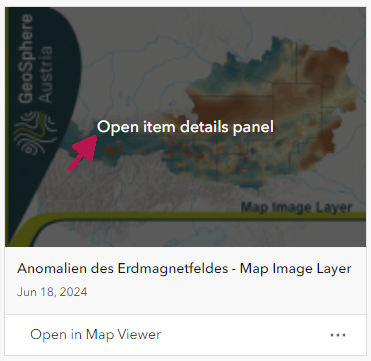
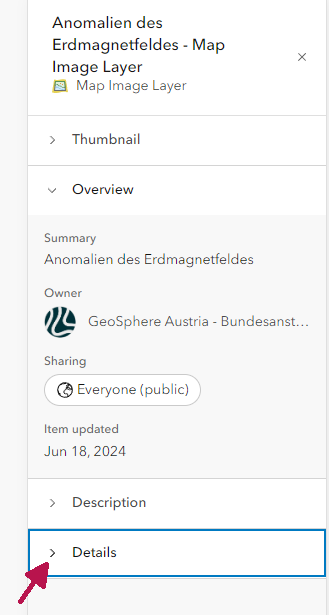
When you click on it, the panel is displayed. In the panel, go to "Details".
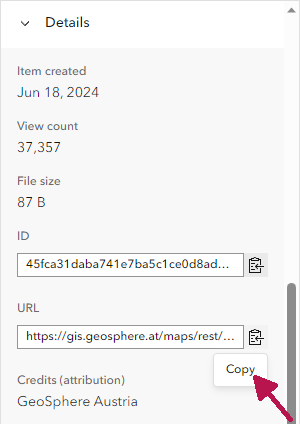
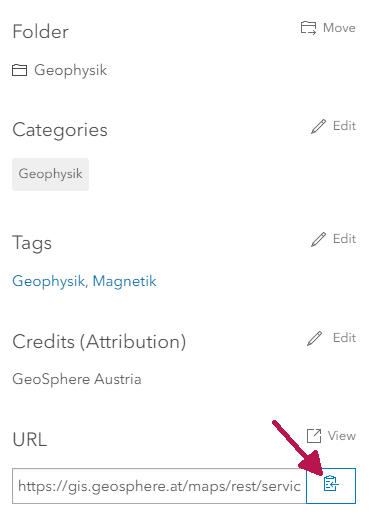
Under Details you will find the URL and a button to copy the URL at the bottom right.
1.2. Detail Page
Click on the three dots to the right of a thumbnail and click on "View Details" in the menu.
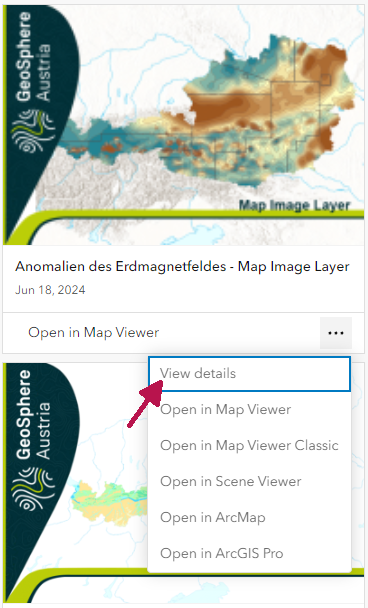
On the detail page you can see the URL and the button to copy it at the bottom right.
2. Via the service folder structure
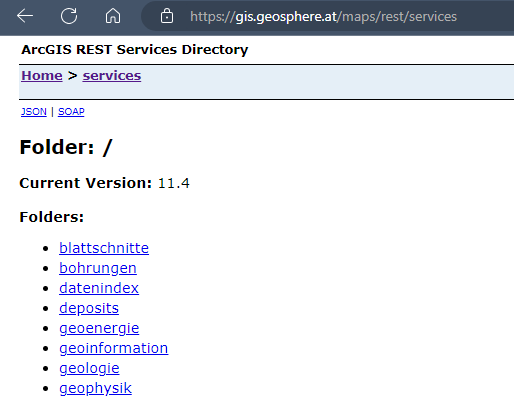
The folder with the map services (especially vector maps) can be accessed at https://gis.geosphere.at/maps/rest/services. The folder with the image services (scanned maps, raster data) can be found at https://gis.geosphere.at/images/rest/services.
2.1. REST address
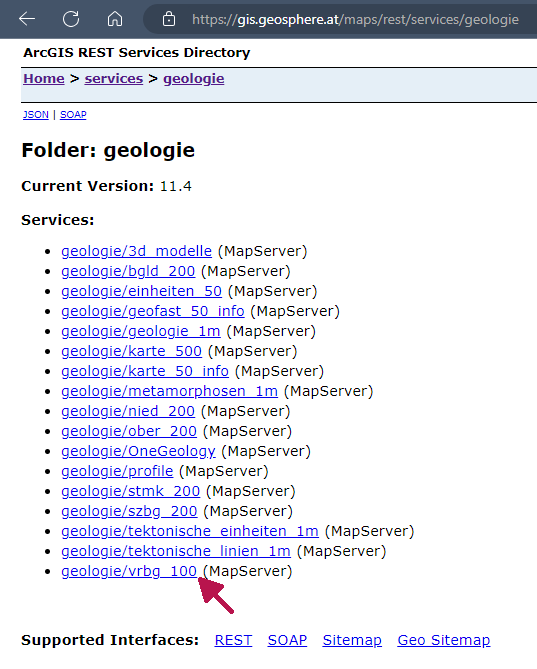
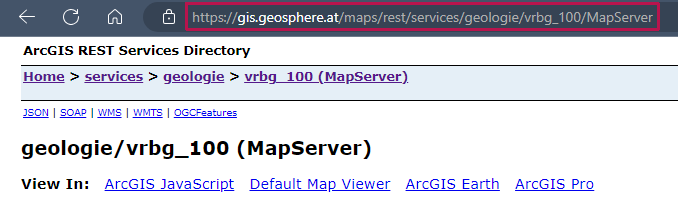
Click through the folders until you get to the desired service and copy the URL from the address bar. This will give you the URL for the REST service
2.2. WMS address
“WMS” can be selected above the title of the service.
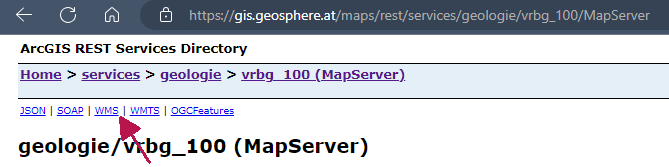
Copy the address in the address line up to the "?".

A summary is also available as a pdf: Instructions Addresses of the map services and their integration in QGIS and ArcGIS Pro